
Understand Your PC Hardware Requirements
Understanding your PC hardware forms the foundation for selecting suitable PC games. To achieve optimal game compatibility, always examine the system requirements listed for each title. These requirements specify the minimum and recommended levels for your CPU, graphics card, and RAM.
Begin the process by locating the specs on the game’s official page or digital distribution platform. Minimum specifications ensure the game runs, albeit possibly with reduced quality, while recommended specifications provide the target for enjoyable, high-performance sessions.
After noting the requirements, check your hardware using built-in operating system tools or third-party software. Record details about your processor speed and cores, graphics card type and VRAM, as well as total system memory. Direct comparison reveals potential mismatches early.
Practical examples illustrate the benefits. Imagine a first-person shooter demanding a dedicated graphics card with at least 4GB VRAM and 16GB RAM. Users with integrated graphics and 8GB memory often face stuttering or inability to load levels, leading to frustration. Choosing compatible games or upgrading prevents these issues.
Similarly, open-world adventures may require a strong multi-core CPU to handle AI and physics calculations. If your setup falls short, frame drops during exploration become common. Matching your configuration avoids such performance problems effectively.
This methodical approach to verifying pc hardware against system requirements saves money on unsuitable purchases and ensures consistent fun across your game library. Furthermore, consider future-proofing by aiming slightly above the recommended specs when possible. This strategy accommodates game updates or expansions that might increase hardware demands unexpectedly. Regular checks keep your setup relevant as new titles emerge with evolving demands.
Identify Your Preferred Game Genres
Identifying your preferred game genres is a crucial step in selecting PC games that provide lasting enjoyment. Begin by reviewing your gaming history to uncover patterns in what captivates you most. Platforms often track playtime, allowing you to see which experiences have consumed the majority of your hours and which mechanics kept you returning for more sessions.
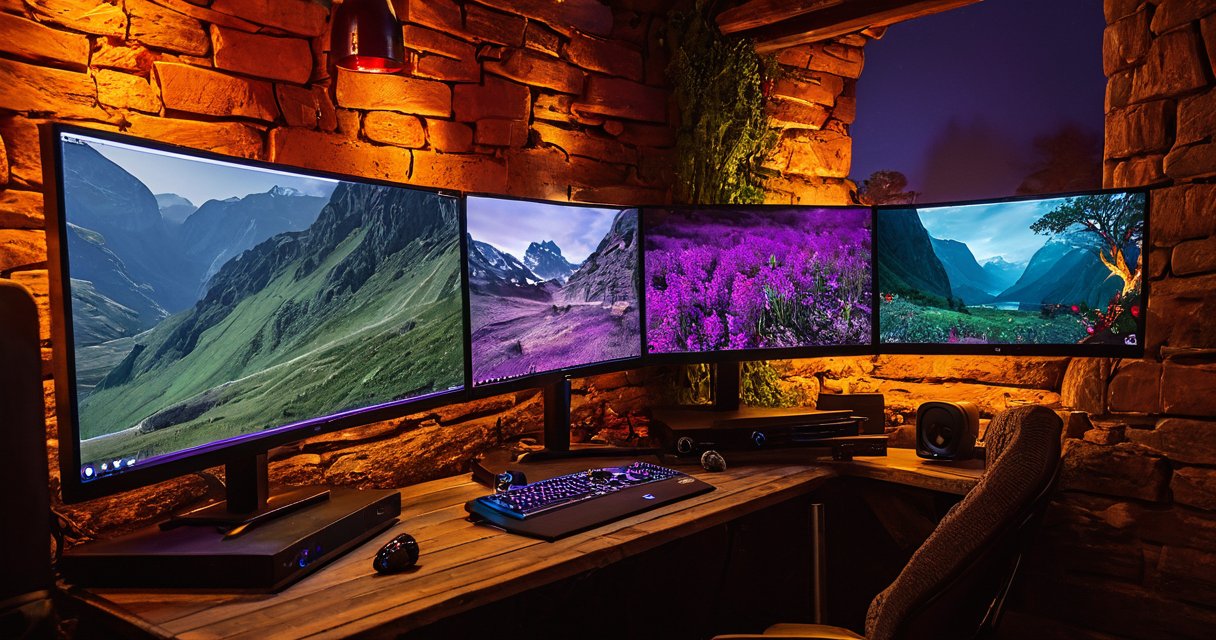
This analysis reveals your pc gaming preferences with clarity. For example, extensive time spent in competitive matches might indicate a fondness for action games or FPS formats that reward quick reflexes and precision. Conversely, if you favor building and managing resources over long campaigns, strategy titles could dominate your list and deliver the satisfaction you seek.
Consider how your personal interests translate to virtual worlds. Enthusiasts of history or tactics may gravitate toward strategy titles, while adventure seekers could explore RPGs filled with quests and narratives. Those interested in realistic mechanics might opt for simulators that replicate piloting aircraft, operating vehicles, or managing complex systems such as cities and farms.
By connecting these dots, you refine your approach to game selection. Instead of random purchases, focus on game genres that match your profile. This method not only saves money but also enhances satisfaction, as you choose titles aligned with proven interests rather than fleeting trends or marketing hype.
To deepen this understanding, experiment with demos across various categories. Sample an action game, a strategy title, an RPG, an FPS, and a simulator to gauge your reactions. Track which ones spark excitement and motivation to continue playing beyond the initial tutorial stages.
Ultimately, knowing your game genres empowers informed decisions in the vast landscape of PC gaming. It transforms browsing into a targeted search, leading to rewarding experiences tailored to your unique tastes and habits while avoiding disappointment from mismatched selections.
Popular Genres for Casual and Hardcore Players
Selecting appropriate genres is crucial when deciding how to choose a PC game based on whether you prefer casual or intense experiences. Casual pc games often include relaxing genres such as life simulations and match-three puzzles. These are perfect for players with limited time, as they can be played in short sessions without losing progress. Current hits like The Sims 4 expansions provide endless customization that fits busy schedules.
On the other hand, hardcore gaming appeals to those who enjoy challenging genres like first-person shooters and massive multiplayer online games. Titles such as Apex Legends offer competitive multiplayer options that reward skill development over extended periods. Action role-playing games for hardcore gaming feature intricate combat systems and vast worlds, exemplified by recent releases like Elden Ring that can consume hundreds of hours.
Indie titles have gained popularity for bridging casual and hardcore audiences with creative concepts. Games like Hades combine roguelike elements suitable for both quick runs and deep dives into lore. In comparison, casual pc games in the indie space provide charming narratives that conclude in under 10 hours, respecting players’ time constraints.
Multiplayer options in cooperative survival games allow friends to team up, adjusting difficulty to match group skill levels and time availability. This flexibility makes them ideal for various player types seeking social engagement alongside gameplay.
Research Reviews and Gameplay Footage
When selecting the right PC game, dedicating time to research game reviews and gameplay videos can save you from regrettable purchases. Start with Steam, the premier platform for PC gaming. There, examine user ratings to gauge overall satisfaction. Dive into game reviews, sorting them by recency to uncover mentions of bugs, glitches, or optimization problems. Players often discuss paywalls that require extra spending for essential features or content.
Proceed to Metacritic for a broader perspective. Analyze critic scores from experts alongside user ratings from the gaming community. High critic scores suggest polished gameplay, but low user ratings may point to issues like repetitive mechanics or post-release bugs not initially apparent. Consistent patterns across these metrics help identify titles worth your time and money.
YouTube provides dynamic insights through gameplay videos. Search for extended play sessions to witness how the game performs on various hardware setups. Content creators frequently point out red flags such as game-breaking bugs or aggressive monetization via paywalls during their sessions. Watching multiple sources ensures you see unfiltered footage rather than curated marketing material.
To effectively spot these red flags, read multiple game reviews on Steam and Metacritic while watching diverse gameplay videos on YouTube. Consistent complaints about bugs or restrictive paywalls across platforms signal caution. Compare user ratings and critic scores to form a balanced opinion before making any purchase decision.
This comprehensive approach involving Steam, Metacritic, and YouTube ensures you make educated choices. Verify that the game aligns with your preferences by confirming positive feedback in both text reviews and visual demonstrations. Taking these steps minimizes risks and leads to more satisfying PC gaming experiences overall.
Compare Prices Platforms and Deals
Smart shoppers know that comparing prices across game platforms and digital storefronts is the key to stretching a gaming budget. By monitoring fluctuations in real time, you can secure the best pc game deals without overspending on new releases or older favorites.
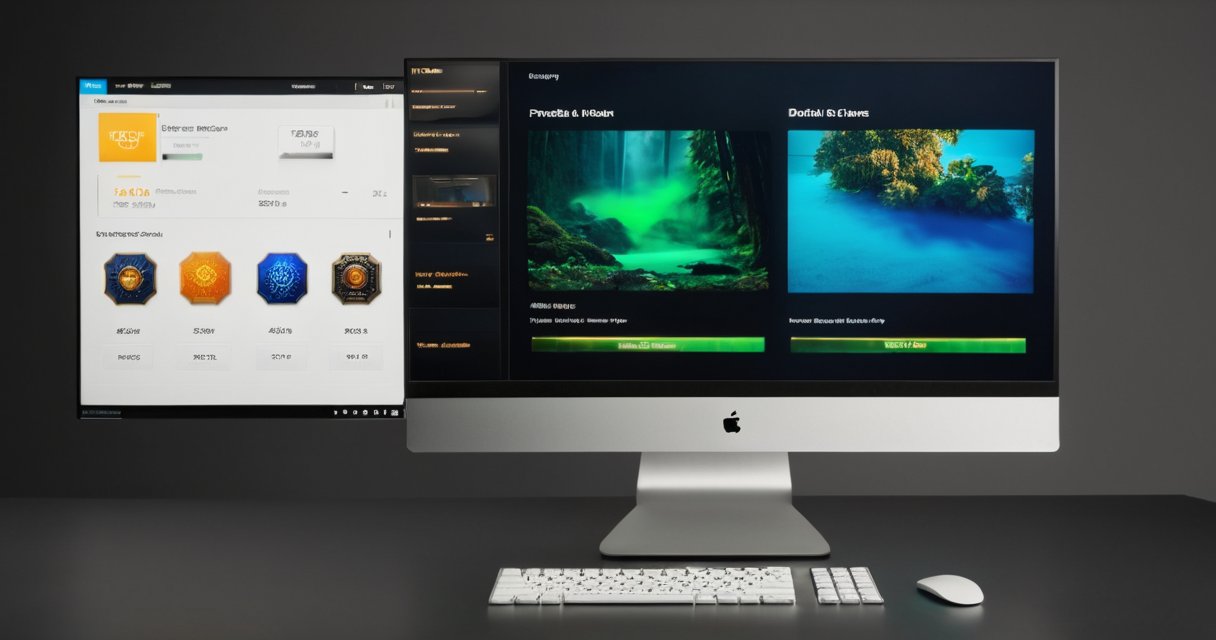
Price trackers are indispensable tools that scan multiple storefronts simultaneously and send alerts when prices drop. These services track historical lows, regional pricing differences, and upcoming promotions, allowing you to time purchases perfectly. Instead of refreshing pages manually, you receive notifications the moment a title reaches its lowest recorded price.
Steam sales remain one of the most reliable ways to save money, with deep discounts appearing during major seasonal events. Pairing those sales with bundle offers multiplies the value, letting you acquire several games for the price of one premium title. Similar bundle opportunities appear regularly on the Epic Games Store and GOG, where curated packs often combine popular releases with indie gems at steep discounts.
Finding bundles on Steam, Epic, and GOG requires checking each storefront’s current promotions, but price trackers simplify the process by surfacing the best package deals across all three platforms at once. This cross-store comparison ensures you never miss a limited-time offer that combines the exact games you want.
Subscription services deserve equal scrutiny when evaluating overall value. Xbox Game Pass, for example, grants access to hundreds of titles for a flat monthly fee, which can quickly surpass the savings from individual purchases if you play multiple games per month. Weigh the subscription cost against your typical spending on pc game deals to decide whether a service complements or replaces outright ownership.
Ultimately, successful buyers combine price trackers, timely steam sales, strategic bundles from multiple game platforms, and careful assessment of subscription options to build a library filled with high-value digital storefront finds.

I’ve been playing video games since I got my first console at age five, and I love sharing insights about the industry. Writing about game design, indie gems, and the latest releases keeps me excited about the future of gaming.