Preparing your computer hardware for the biggest software drops requires a clear plan of action before any anticipated title is officially released this year. You need to audit your current storage drives, update your graphics card drivers, and check system requirements well in advance to avoid frustrating launch day bottlenecks. Too many players wait until the exact minute of availability to start massive downloads, which usually leads to slow server speeds and installation errors. Organizing your digital library now gives you an immediate advantage and ensures a smooth start to your upcoming gaming sessions.
Auditing Your Hardware and Storage Capacity
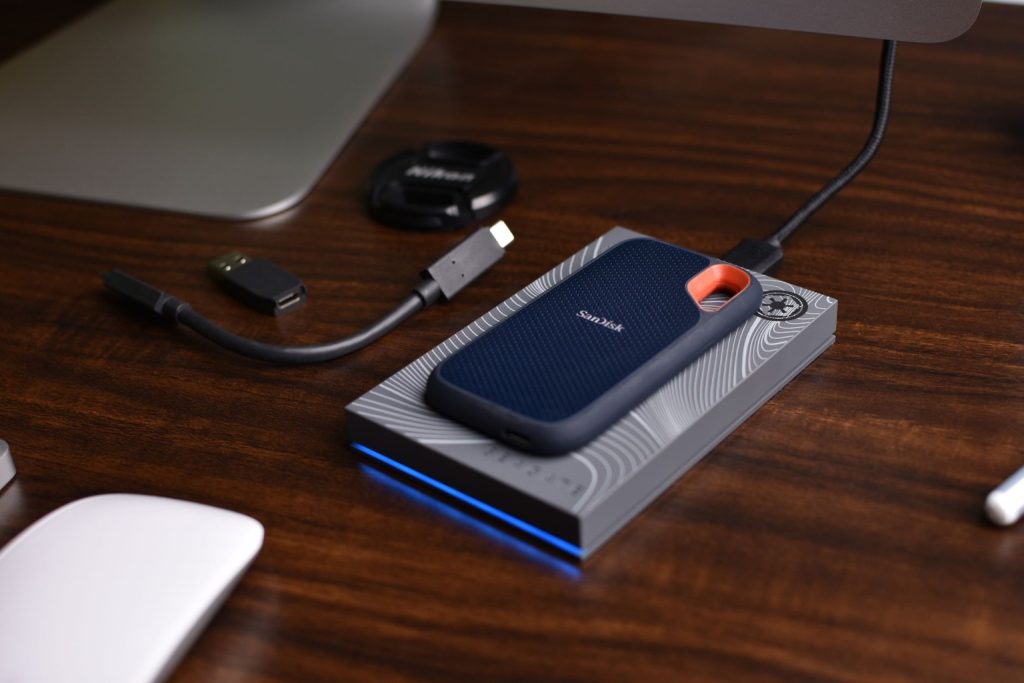
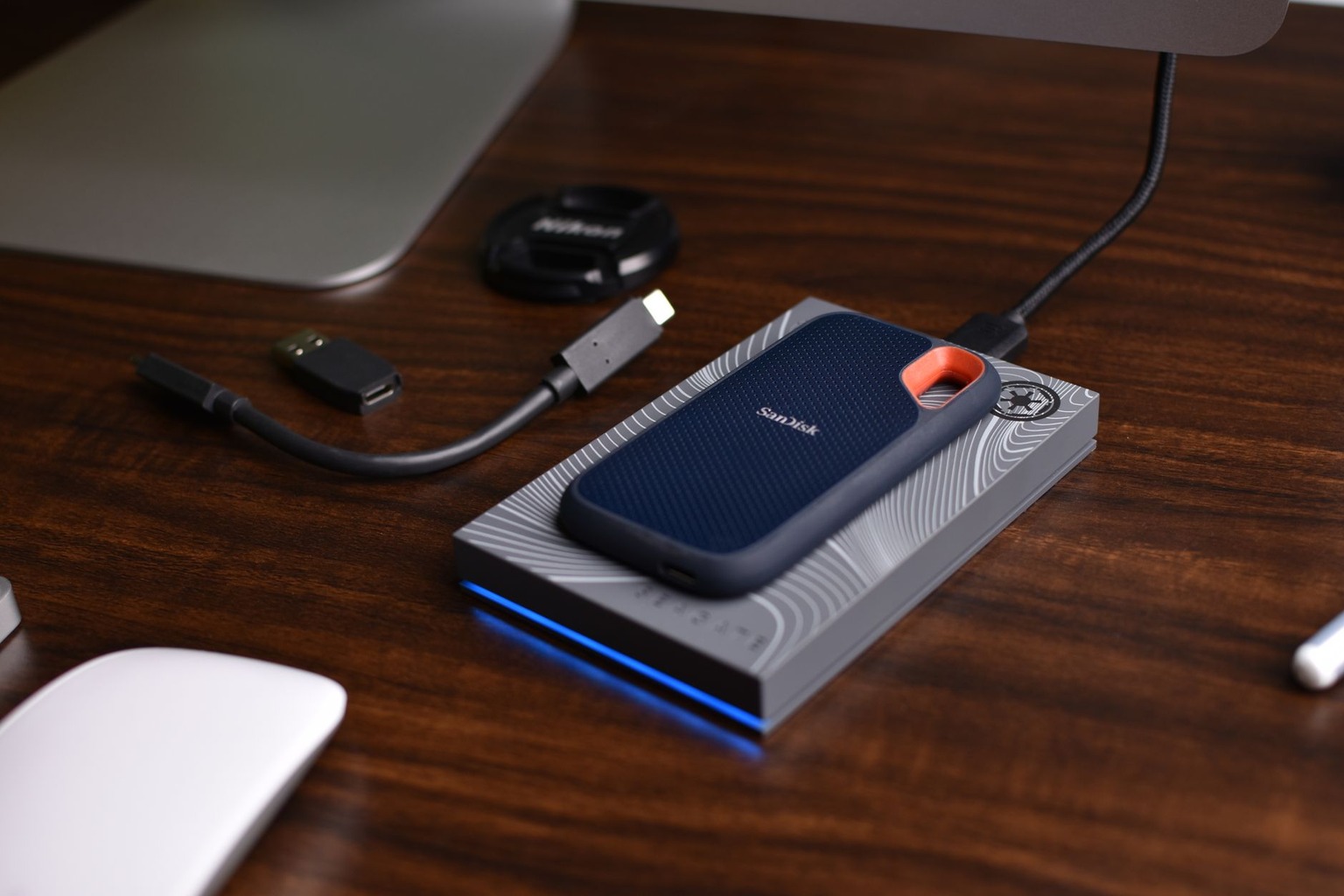
Start your preparation by taking a close look at your existing solid state drives to see if you have enough free gigabytes available. Modern computer software demands serious space, and many upcoming blockbusters easily exceed one hundred gigabytes of installation data. Move older completed titles to external backup storage units to clear out vital sectors on your primary NVMe drive. Having a fast drive is not just a nice luxury anymore because modern streaming technologies rely heavily on rapid data transfer rates to load textures without stuttering.
Take time to clean out accumulated dust from your computer case fans and heat sinks to maintain optimal thermal performance during long sessions. High temperatures cause thermal throttling, which ruins your frame rates and degrades your expensive hardware components over extended periods of heavy use. Run diagnostic benchmarks on your central processing unit and graphics card to make sure they still operate within factory specifications. If your power supply unit is more than five years old, you might want to replace it before installing hungry new components.
Double check your physical memory modules to confirm they run at their maximum rated speed in your system bios settings. Many users leave their random access memory running at default slow speeds for years without realizing they lose ten percent performance. Update your motherboard bios version to the latest stable release provided by the manufacturer for better compatibility with recent hardware revisions. These proactive maintenance steps eliminate random crashes and strange blue screen errors that typically ruin a brand new gaming experience.
Updating Graphics Drivers and Software Tools
Head directly to the official manufacturer website of your graphics card provider to download the newest display driver packages available today. Major hardware companies always release specialized software optimizations right before a major game is released to the public market. Clean installation methods prevent old driver files from conflicting with modern graphic APIs like DirectX twelve and Vulkan. Keeping your operating system fully patched also ensures that background security features do not interfere with anti cheat software.
Configure your dedicated software control panel settings to prioritize maximum performance over high quality image filtering on older monitors. Adjusting vertical synchronization and maximum frame rate limits helps prevent screen tearing while keeping your graphics card cool during intense combat moments. Disable unnecessary background applications that consume valuable video memory and processing cycles while you play your favorite titles. Setting up custom user profiles for different genres saves you time later when you want to tweak visual fidelity.
Verify that your audio drivers and headset utility software are up to date to prevent annoying crackling sounds during cutscenes. Spatial audio features require clean software environments to accurately position footsteps and environmental noises in competitive multiplayer matches. Test your microphone input levels through your preferred communication apps so you sound clear to your squadmates during raids. Small software tweaks like these create a more immersive and trouble free environment for your daily gaming habits.
Managing Pre-Orders and Digital Storefronts
Consolidate your digital accounts into one organized folder on your desktop to keep track of where your upcoming purchases live. Compare prices across multiple platforms like Steam, Epic Games Store, and GOG before committing your hard earned money to any pre-order. Some platforms offer exclusive beta access periods or cosmetic bonus items that might influence your final purchasing decisions. Read the fine print regarding refund policies so you know your rights if a title launches in a broken state.
Set up two factor authentication across every gaming storefront you use to protect your valuable library from malicious account takeovers. Hackers frequently target active user accounts around major seasonal sales and high profile software launch windows. Use a dedicated password manager to generate unique and complex login credentials that cannot be easily guessed by automated scripts. Taking these security precautions guarantees that your digital assets remain safe from unauthorized access throughout the entire year.
Monitor community forums and independent creator reviews as soon as the first wave of titles is officially released to the public. Do not feel pressured to buy every single game on day one unless you genuinely want to participate in the early community discoveries. Wishlist your most anticipated items so you receive instant email notifications whenever they go on sale or enter closed testing phases. Smart budgeting lets you enjoy a diverse collection of quality entertainment without draining your personal bank account.
Optimizing In-Game Settings for Maximum Performance
Launch your chosen titles into a private training mode or empty server first to experiment safely with graphic sliders. Turn off heavy rendering features like ray tracing and extreme volumetric fog if your monitor resolution sits at traditional ten eighty pixel levels. Upscaling technologies such as DLSS or FSR provide massive framerate boosts with almost zero noticeable loss in visual clarity. Finding the sweet spot between high fidelity and smooth motion transforms an average visual presentation into a stunning masterpiece.
Lock your target frame rate to match the exact refresh rate of your primary display monitor to eliminate input lag. Uncapped frame rates often cause your graphics card to work at maximum capacity, generating excessive fan noise and unnecessary heat. Experiment with field of view sliders to find a comfortable perspective that does not cause motion sickness during fast movement. Every adjustment you make in the video menu contributes directly to your overall competitive edge and enjoyment.
Pay close attention to advanced mouse sensitivity and key binding options before jumping into serious multiplayer or tactical campaigns. Adjust your raw input settings to bypass operating system acceleration curves for consistent muscle memory development. Map secondary actions to accessible side mouse buttons or convenient keyboard keys near your standard resting position. Taking five minutes to customize these controls prevents hand fatigue and awkward finger stretches during long sessions.
Troubleshooting Common Launch Day Issues
Expect minor server congestion and connection errors during the first few hours after a massive online game is released worldwide. If you encounter infinite loading screens, restart your client application and verify the integrity of your installed local files. Antivirus software frequently blocks newly updated executable files by mistake, so add your main game directory to your exclusion list. Patience is your best friend when dealing with overloaded servers and emergency developer hotfixes during the opening weekend.
Clear your temporary cache folders if your launcher freezes or fails to download updates at normal broadband speeds. Restarting your home internet router clears out stale DNS configurations that might be routing your traffic through congested network nodes. Check official developer social media channels for real time status updates regarding scheduled maintenance periods and known bugs. Knowing the difference between local hardware failures and server side outages saves you from unnecessary stress.
Backup your local save game files regularly to cloud storage or a secondary flash drive to prevent catastrophic progress loss. Corrupted save data can ruin hundreds of hours of careful campaign progression if you rely solely on automatic backups. Join community Discord servers or Reddit discussion boards to find quick user created fixes for obscure graphical glitches. Working together with other players helps the community overcome technical hurdles much faster than waiting for official patches.

I’ve been playing video games since I got my first console at age five, and I love sharing insights about the industry. Writing about game design, indie gems, and the latest releases keeps me excited about the future of gaming.