Introduction to Multiplayer PC Games
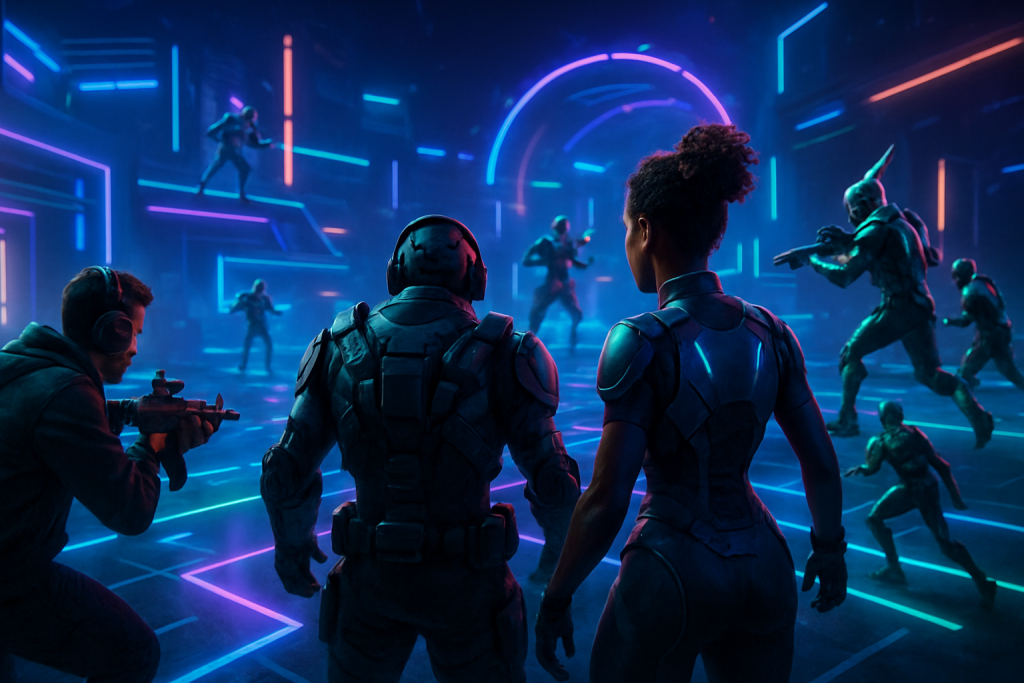
Multiplayer PC games have revolutionized the world of gaming by allowing players from all corners of the globe to connect, compete, and cooperate in a virtual environment. Offering rich, interactive experiences, these games have quickly become a central pillar of the PC gaming community. With advancements in technology and internet connectivity, online gaming has surged in popularity, making multiplayer titles some of the most engaging and socially dynamic forms of entertainment today.
The appeal of multiplayer PC games lies in their ability to bring people together through shared challenges, teamwork, and competitive play. Whether it’s fast-paced shooters, strategic role-playing games, or massive open-world adventures, these games foster a sense of camaraderie and healthy competition among players. The PC gaming community thrives on these interactions, often forming tight-knit groups and clans that extend beyond the virtual world.
Online gaming in multiplayer PC games offers continuous updates and dynamic content, keeping the gameplay fresh and exciting. This evolving nature not only sustains player engagement but also promotes a strong social network where gamers exchange tactics, share accomplishments, and even build lasting friendships. As a result, multiplayer PC games are not just a pastime but a cultural phenomenon within the broader gaming landscape.
In summary, multiplayer PC games have become indispensable in today’s gaming scene. They bring together diverse players, fuel the growth of the PC gaming community, and exemplify the power of online gaming to create immersive, social experiences. Whether you’re a casual player or a competitive gamer, understanding the significance of multiplayer PC games is key to appreciating their lasting impact on the industry.
Top Multiplayer PC Games in 2024
The gaming landscape in 2024 is more exciting than ever, especially for fans of multiplayer experiences. Whether you’re a fan of fast-paced shooters, strategic MOBAs, or immersive RPGs, the selection of best multiplayer PC games in 2024 offers something for every type of player. This guide highlights the top online PC games this year, showcasing a diverse range of genres and gameplay styles that have captivated millions around the globe.
One of the standout titles dominating the category is “Valorant”. This tactical first-person shooter continues to remain a favorite among competitive gamers with its blend of strategic team play and precision shooting. Its well-balanced characters and continually evolving meta make it one of the top online PC games for competitive multiplayer in 2024.
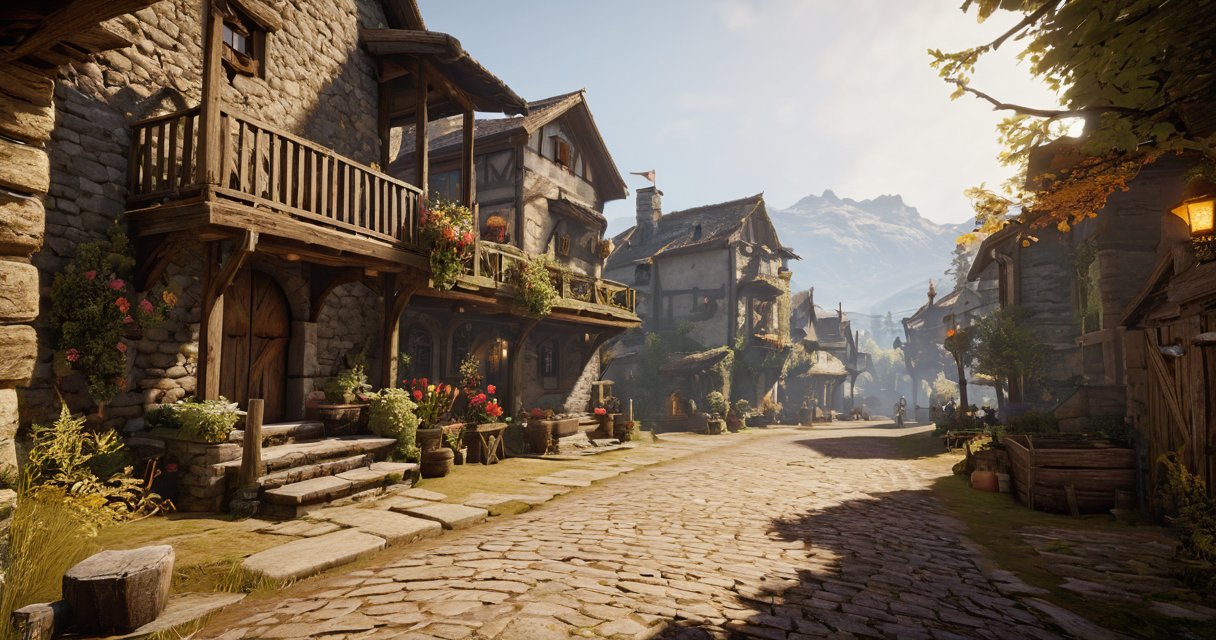
For those who enjoy a more fantasy-driven experience, “Lost Ark” remains a juggernaut. This action MMORPG combines fast-paced combat with deep storytelling and cooperative multiplayer elements. It’s praised as one of the best multiplayer PC games for players who enjoy both PvE raids and friendly PvP battles in a stunning open world.
On the strategy front, “Age of Empires IV” continues to be a favorite. Its refined real-time strategy mechanics are complemented by a strong multiplayer mode that pits players against each other in epic historical battles. The 2024 PC games roster wouldn’t be complete without acknowledging this classic, which has garnered a renewed player base thanks to consistent updates and engaging gameplay.
If you’re looking for casual yet highly social gameplay, “Among Us VR” has taken the community by storm this year. The immersive virtual reality adaptation of the beloved social deduction game delivers an entirely new way to enjoy multiplayer PC games, blending suspense and teamwork seamlessly in an online setting.
Lastly, for pure battle royale enthusiasts, “Call of Duty: Warzone 2.0” remains at the top of the charts. This 2024 PC game delivers fast-paced action with large-scale maps and varied modes, making it one of the best multiplayer PC games for high-octane combat and dynamic team experiences.
These titles exemplify the vibrant and dynamic nature of the best multiplayer PC games and top online PC games available in 2024. No matter your preferred style of gameplay, these games provide countless hours of entertainment and competitive excitement.
Battle Royale Games
Battle royale PC games have taken the multiplayer FPS genre by storm, combining last-man-standing gameplay with immersive worlds and intense competition. Titles like Fortnite, PlayerUnknown’s Battlegrounds (PUBG), and Apex Legends dominate the competitive PC games landscape by offering unique mechanics and varied playstyles that cater to diverse player preferences.
Fortnite stands out with its innovative building mechanics, vibrant graphics, and frequent content updates that keep the gameplay fresh and engaging. Its blend of shooting skills and strategic construction sets it apart, making it a favorite among both casual and competitive players.
In contrast, PUBG emphasizes realism and tactical gameplay with large maps and a focus on gunplay and positioning. Its slower pace and authentic experience attract players who enjoy a more methodical approach in the battle royale PC games category.
Apex Legends introduces unique character abilities and squad-based teamwork, elevating the multiplayer FPS experience. The game’s fast pace and dynamic movement contribute to its popularity in the competitive PC games scene, appealing to those who prefer a combination of strategy and high-octane action.
Overall, battle royale PC games continue to innovate within the multiplayer FPS ecosystem, offering something for every type of player. Their growing esports presence and engaging gameplay loops ensure these titles remain at the forefront of competitive PC games.
Cooperative Multiplayer Games
Cooperative multiplayer games, often referred to as co-op PC games, invite players to join forces and work together towards a common goal. Unlike competitive multiplayer experiences, these teamwork PC games focus on collaboration rather than rivalry. Players support each other by combining unique abilities, strategizing collectively, and communicating effectively to overcome challenges and advance through the game’s objectives.
Multiplayer collaboration is at the heart of the best co-op PC games, enriching the gaming experience with shared victories and collective problem-solving. Titles like “Left 4 Dead 2” highlight intense cooperation, where players must depend on one another to survive waves of zombies. Similarly, “Divinity: Original Sin 2” offers a deep tactical experience that rewards players who plan their moves together and combine skills creatively to defeat enemies.
Other notable teamwork PC games include “Overcooked! 2,” a chaotic cooking simulator that demands precise timing and communication, and “Borderlands 3,” which blends fast-paced shooting with cooperative RPG elements. These games showcase how multiplayer collaboration not only enhances fun but also strengthens social bonds among players. Whether you prefer strategy, action, or adventure, co-op PC games provide an engaging way to connect with friends and enjoy immersive multiplayer gameplay.
How to Get Started with Multiplayer PC Gaming
Getting started with multiplayer PC gaming is an exciting process, but it requires the right setup to ensure smooth gameplay and a satisfying experience. Whether you are brand new or transitioning from single-player games, knowing how to properly setup multiplayer PC games and the essential PC gaming hardware can make all the difference.
The first step is to assess your PC gaming hardware. A powerful processor, ample RAM (at least 8GB recommended), and a dedicated graphics card are critical for handling the demands of multiplayer games, especially those with fast-paced action or complex environments. If you’re playing competitive shooters or MMORPGs, a high refresh rate monitor and a reliable gaming mouse and keyboard can improve your responsiveness and accuracy during intense matches.
Once your hardware is prepared, focus on the online gaming setup itself. A stable and fast internet connection is essential to avoid lag or disconnections while playing with others. Ethernet connections provide the best stability, but if you must use Wi-Fi, ensure you have a strong signal and consider upgrading to a router optimized for gaming traffic.
Next, create and configure your gaming accounts on popular platforms such as Steam, Epic Games Store, or Battle.net, depending on your preferred games. These platforms offer access to multiplayer titles and provide essential tools like friend lists, chat functions, and matchmaking services. Make sure to configure your privacy and security settings to protect your accounts while interacting with the gaming community.
Downloading and installing the multiplayer games you want to play completes the initial setup. Most modern games require regular updates, so keep your game clients updated for the latest features and security patches. Afterward, explore the game’s multiplayer options, join servers, or parties, and familiarize yourself with in-game voice or text communication tools to coordinate with teammates effectively.
By carefully setting up your PC gaming hardware and online gaming setup, and managing your game accounts properly, you’ll be ready to dive into the world of multiplayer PC games with confidence and competitive edge. Enjoy the thrill of playing with others from around the world and exploring endless multiplayer adventures.
Choosing the Right PC and Accessories
For an optimal multiplayer PC gaming experience, selecting the right hardware is crucial. The gaming PC specs must align with the demands of fast-paced, high-intensity games to ensure smooth gameplay and minimal lag. A powerful processor, preferably a recent generation Intel or AMD chip, combined with at least 16GB of RAM, enables seamless multitasking and quick load times. Equally important is a dedicated graphics card, such as an NVIDIA RTX or AMD Radeon series, which handles complex visual rendering and enhances multiplayer game performance significantly.
Beyond the core hardware, investing in quality accessories like a gaming mouse and keyboard can greatly influence your responsiveness and comfort during extended sessions. A gaming mouse with adjustable DPI settings and programmable buttons allows for precise control and quick execution of commands, essential in competitive multiplayer environments. Similarly, a mechanical keyboard with tactile feedback and customizable key bindings improves input accuracy and reduces fatigue.
To maximize multiplayer game performance, pairing your PC with low-latency peripherals and a stable internet connection is vital. Selecting accessories designed specifically for gaming ensures durability and responsiveness, giving you an edge against opponents. In summary, matching the right gaming PC specs with high-quality gaming mouse and keyboard accessories forms the foundation for a superior multiplayer gaming setup.
Creating Accounts and Joining Communities
To begin your journey in multiplayer PC games, the first step is creating gaming accounts. Most games require players to register an account on their official platform or through a digital distribution service. This process typically involves providing an email address, creating a username, and setting a secure password. Your gaming account not only grants access to multiplayer game servers but also stores your progress, achievements, and friends list.
Once your account is set up, the next step is joining multiplayer game servers where you can interact with other players in real time. Many games offer a variety of servers with different rules, regions, and play styles. Selecting the right server helps ensure a smoother gaming experience with minimal lag and a community that matches your interests. Some games allow you to join official servers, while others feature player-hosted servers that provide unique gaming environments.
Engaging with gaming communities is essential to fully enjoy multiplayer games. These communities often exist on forums, social media groups, and dedicated platforms like Discord. Participating in these spaces can help you find teammates, stay updated on game events, and share tips. Connecting with other players not only enhances your skills but also builds friendships, turning multiplayer gaming into a rich social experience.
Tips and Strategies for Successful Multiplayer Gaming
Multiplayer gaming tips are essential for anyone looking to improve their performance and enjoy a more rewarding online experience. Whether you’re a beginner or a seasoned player, adopting the right strategies can elevate your gameplay and help you stand out in competitive matches. Focusing on communication, teamwork, and adaptability can transform your approach and lead to more consistent wins in multiplayer games.
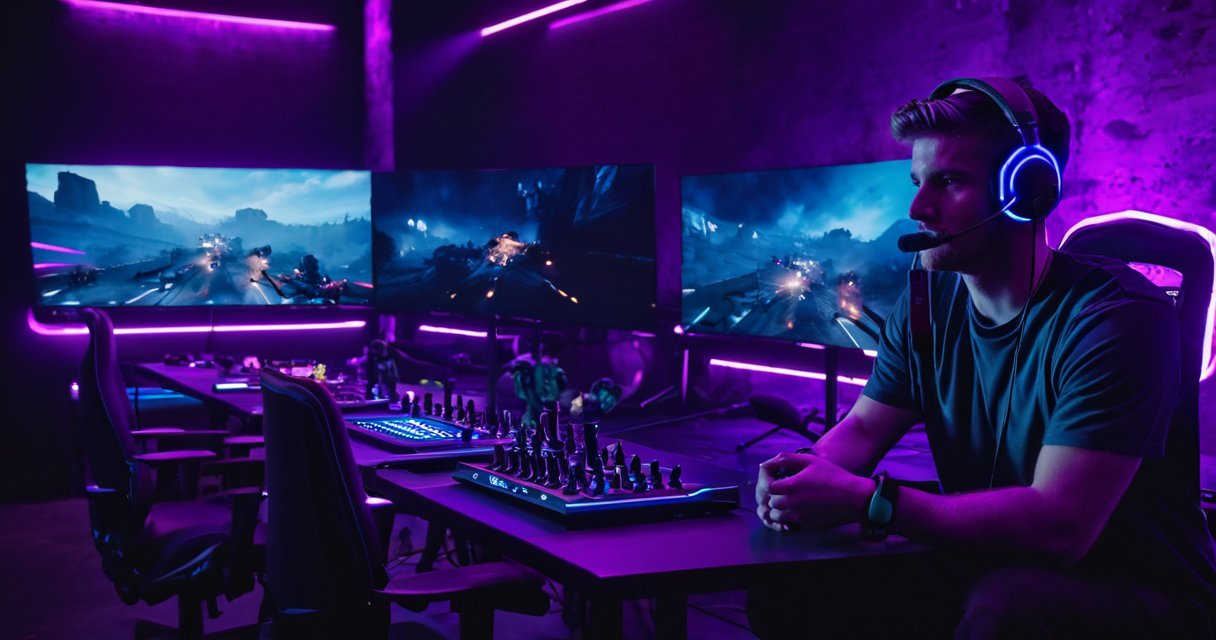
One of the most important multiplayer gaming tips is to prioritize clear and consistent communication with your teammates. Using voice chat or quick message commands to share information about enemy positions, objectives, or strategy updates can make a significant difference. Effective communication prevents confusion and helps your team coordinate attacks or defenses efficiently.
Developing a solid online gaming strategy requires understanding both your role and your teammates’ roles within the game. Assign roles based on individual strengths and adapt the strategy as the match progresses. Flexibility is key; being able to switch roles or tactics based on the situation gives your team a better chance to respond to opponents’ moves effectively.
Another valuable tip for winning multiplayer games is to study the game mechanics and maps thoroughly. Knowing the best vantage points, chokeholds, and resource locations provides a tactical advantage. Spend time practicing these aspects outside of intense gameplay to build your confidence and expertise in various scenarios.
Maintaining a positive mindset and encouraging teamwork can profoundly impact the overall gaming experience. Frustration or negativity can disrupt team cohesion and reduce effectiveness. Focus on constructive feedback and supporting your teammates, which fosters a collaborative environment that often leads to better results.
Finally, continuous improvement is crucial. Review your gameplay and learn from mistakes by watching replays or seeking advice from experienced players. Engaging with the gaming community and staying updated on meta changes also helps refine your online gaming strategy and increases your chances of consistently winning multiplayer games.
Communication and Team Coordination
Effective gaming communication is crucial for achieving success in multiplayer PC games. Team coordination often makes the difference between victory and defeat, as it allows players to synchronize their actions, share vital information, and execute well-planned strategies. Whether you’re assaulting an enemy base or defending a key position, clear and timely communication helps prevent confusion and enhances overall team performance.
One of the most popular tools for gaming communication is voice chat in games. Using voice chat enables instant exchange of information, such as enemy locations, resource status, or tactical movements, which text chat cannot match in speed or efficiency. With voice conversations, teammates can quickly adapt their team strategies based on live updates, making gameplay faster-paced and more dynamic.
To coordinate effectively, it’s important to establish clear roles and responsibilities within the team early on. Agreeing on call-outs, signals, and a shared terminology streamlines communication and minimizes misunderstandings. Additionally, staying calm and respectful during discussions fosters a cooperative environment, even under pressure. By leveraging proper gaming communication tools and maintaining strong team coordination, players can significantly enhance their multiplayer experience and increase their chances of winning.
Maintaining Game Performance and Updates
Keeping your multiplayer PC games running smoothly requires a combination of game optimization practices and regular updates. Developers frequently release patches to fix bugs, improve stability, and enhance gameplay features. To ensure the best experience, make it a habit to update multiplayer games promptly. Most platforms like Steam or Epic Games Launcher offer automatic update options, which you can enable to avoid missing critical improvements.
Beyond updates, optimizing your PC’s performance is essential for maintaining smooth gameplay. Start by closing unnecessary background applications that may consume system resources. Monitoring your CPU and RAM usage can help identify any potential bottlenecks. Adjusting in-game graphics settings, such as lowering resolution or disabling extra visual effects, can significantly improve frame rates without compromising gameplay quality.
Regularly clean your PC hardware by removing dust and ensuring proper ventilation to prevent overheating, which can negatively affect game performance. Updating your graphics drivers is another crucial step, as manufacturers often release driver updates designed to boost game compatibility and performance. Finally, consider upgrading hardware components if you consistently experience lag or low frame rates, ensuring your system meets the recommended specifications for the titles you play.
By combining effective game optimization and keeping your multiplayer games updated, you can enjoy a seamless and competitive gaming environment on your PC. Using these PC performance tips will help reduce latency, minimize crashes, and improve overall responsiveness, resulting in a more enjoyable multiplayer experience.

I’ve been playing video games since I got my first console at age five, and I love sharing insights about the industry. Writing about game design, indie gems, and the latest releases keeps me excited about the future of gaming.