Upgrading your graphics card is one of the most impactful ways to boost your gaming experience, but it’s not as simple as picking the latest model and installing it. The right choice depends on your current hardware, the games you play, and how you intend to use your system. Whether you’re chasing higher frame rates in Cyberpunk 2077 or smoother performance in esports titles like Valorant, the process requires careful planning to avoid wasted money or compatibility issues. Before you even consider a new GPU, you need to understand the key considerations that will make or break your upgrade, starting with whether your system can actually handle the leap.
Assess Your Current System’s Limits
Not every GPU upgrade is worth the effort. If your CPU is a bottleneck, no amount of graphics power will save you. For example, a mid-range GPU like the RTX 4060 Ti will struggle to reach 144 FPS in Warzone if your CPU is a Ryzen 5 3600 without an upgrade. Benchmark your current setup using tools like MSI Afterburner or HWMonitor to check frame rates in demanding games. If your CPU is older than five years or lacks modern cores, upgrading the GPU alone won’t give you meaningful gains, you’ll need to pair it with a CPU refresh. Even if your CPU is capable, check your power supply’s wattage. A 650W PSU might not handle a 1000W GPU spike during Star Citizen load times, leading to crashes or even hardware damage.
Another often-overlooked factor is your monitor’s refresh rate. If you’re running a 60Hz display, pushing for 240 FPS in Fortnite won’t feel meaningful, you’ll just waste GPU power. Upgrade your monitor first if you’re aiming for high refresh rates, or at least match your GPU’s capabilities to your display’s limits. For instance, an RTX 4070 Ti can hit 4K 120Hz in Alan Wake 2, but if your monitor only supports 60Hz, you’re better off targeting 1440p 144Hz instead. This ensures your upgrade actually improves your gameplay rather than just sitting idle.
Match Your GPU to Your Gaming Goals
Not all GPUs are created equal, and the best choice depends on what you prioritize, raw performance, ray tracing, or efficiency. If you play competitive shooters like Counter-Strike 2, a GPU with strong esports-focused performance, such as the RTX 4070, will serve you better than a high-end model like the RTX 4090, which excels in ray-traced visuals but costs far more. The RTX 4070 delivers 100+ FPS in 1440p esports titles with DLSS enabled, while the 4090’s extra power is overkill unless you’re running 4K with ray tracing on. For open-world games like Elden Ring, however, the 4090’s additional VRAM (24GB) and ray-tracing capabilities make it worth the investment, as it can handle ultra settings with DLSS 3.5 for near-native resolution performance.
Consider whether you need dedicated VRAM. Games like God of War Ragnarök benefit heavily from 12GB or more of VRAM, especially at 4K resolutions where textures and shaders push memory limits. If you’re stuck with 8GB, you might experience stuttering or forced downsampling in high-end titles. Some GPUs, like the RTX 4080, offer a sweet spot between price and performance, making them ideal for gamers who want 1440p 144Hz in most games without breaking the bank. Always check benchmarks for the specific games you play, what works for Cyberpunk 2077 may not translate to Apex Legends.
Check Compatibility with Your Build
Even the best GPU won’t work if it doesn’t fit physically or electrically. Modern GPUs like the RTX 4080 and 4090 are longer and thicker than older models, requiring extra clearance in your case. Measure your case’s PSU bay height and GPU slot spacing, some mid-tower cases struggle with full-length GPUs. If your case is tight, you might need to remove side panels or opt for a shorter GPU, like the RTX 4070 Ti Super, which fits better in compact builds. Additionally, check your power connectors. High-end GPUs often require multiple 8-pin connectors, and if your PSU lacks them, you’ll need an adapter, which can be unreliable during heavy loads.
Your motherboard’s PCIe slot version matters too. Most modern GPUs use PCIe 4.0 or 5.0, but if your motherboard only supports PCIe 3.0, you’ll miss out on bandwidth improvements. For example, the RTX 4090’s full potential in 4K gaming relies on PCIe 5.0, so if your board is limited to PCIe 3.0, expect slower data transfer and reduced performance gains. Always verify your motherboard’s specs before purchasing a GPU, some budget builds still use older PCIe versions, making them incompatible with newer cards. Even if your motherboard supports PCIe 5.0, ensure your CPU does too; some Intel and AMD chips from older generations lack PCIe 5.0 lanes, which can bottleneck performance.
Plan for Future-Proofing (Without Overspending)
Future-proofing isn’t about buying the most expensive GPU today, it’s about choosing one that will keep up with games for at least three to five years. Right now, the RTX 40 series holds up well against upcoming titles, but if you’re on a tight budget, the RTX 4070 Ti offers a balanced approach. It can handle most games at 1440p 144Hz now and will still perform respectably in next-gen titles like Starfield or Microsoft Flight Simulator when they release. On the other hand, if you’re planning to upgrade again in two years, a slightly cheaper GPU like the RTX 4060 Ti might be a better short-term investment, as it leaves room in your budget for a more powerful card later. Consider whether you’ll be adding more RAM or a faster CPU soon, pairing a high-end GPU with a weak CPU will limit your future upgrades’ effectiveness.
To stay ahead, make sure your GPU has sufficient VRAM for the upcoming games scheduled for release. Titles like Alan Wake 2 and Metro Exodus already push 12GB limits at 4K, and future AAA games will likely demand even more. If you’re eyeing 4K gaming, the RTX 4080 (16GB) or 4090 (24GB) is a safer bet than the RTX 4070 (12GB), which may struggle with next-gen textures. Even if you don’t need 4K today, having extra VRAM ensures you won’t have to upgrade again soon due to memory constraints. Some GPUs, like the RTX 4070 Ti Super, offer a middle ground with 16GB of VRAM, making them versatile for both current and future games.
Avoid Common Pitfalls That Ruin Upgrades
One of the biggest mistakes gamers make is ignoring thermal management. High-end GPUs like the RTX 4090 can run hot, especially in poorly ventilated cases. If your case lacks proper airflow, you’ll experience throttling, higher power draw, and even potential damage over time. Before upgrading, check if your case has enough fans and space for airflow, then consider how to gather feedback from gaming fans. Some users also underestimate the importance of thermal paste, if your GPU’s stock paste has dried out, performance will suffer, and temperatures will spike. Reapplying high-quality thermal paste like Arctic MX-6 can add noticeable performance gains in long gaming sessions. Even a simple upgrade like adding a second case fan can make a dramatic difference in keeping your GPU cool under load.
Another common mistake is neglecting driver updates. A fresh GPU installation won’t perform well if you’re running outdated drivers. NVIDIA’s GeForce Experience and AMD’s Adrenalin Software automatically update drivers, but manual checks ensure you’re on the latest version with optimizations for new games. For example, the latest NVIDIA drivers often include DLSS improvements that can boost performance by 30-50% in supported titles like Call of Duty: Warzone. Skipping updates means missing out on bug fixes, stability improvements, and new features that can extend your GPU’s lifespan. Always check for updates after installation and set them to auto-update to avoid performance drops in new releases.
Budget Wisely, What You Actually Need vs. What You Want
GPUs range from budget-friendly options like the RTX 4060 (starting at $300) to the flagship RTX 4090 (over $2,000). The 4060 is great for 1080p gaming and light 1440p, but it struggles with ray tracing and high-end titles. If you’re playing games like Fortnite or League of Legends, the 4060 is overkill, even a GTX 1660 Super would suffice. On the other hand, if you’re targeting 1440p 144Hz in Alan Wake 2 or Cyberpunk 2077, the RTX 4070 Ti ($500) is the sweet spot, offering near-100 FPS in most games with DLSS enabled. The RTX 4080 ($800) is for those who want 4K 60Hz or 1440p 240Hz, while the 4090 is only necessary for extreme 4K ray-traced setups or content creation. Always ask yourself: What’s the minimum FPS I need for smooth gameplay? If you’re happy with 60 FPS in 1440p, the 4070 Ti will serve you better than a 4090, which costs nearly four times as much.
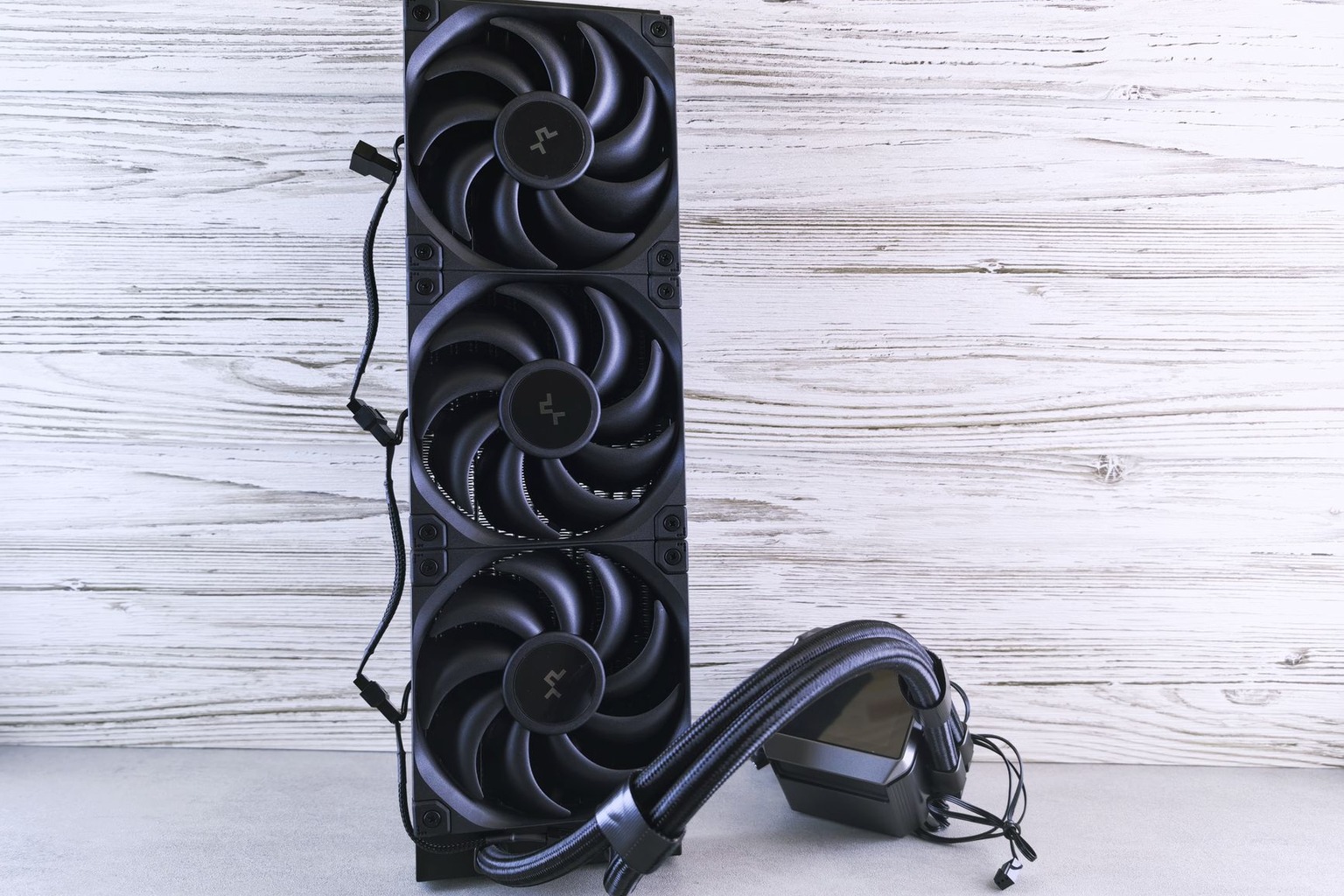
Another budget consideration is whether you’ll need additional peripherals. High-end GPUs often require more power, so if your PSU is on the weaker side, upgrading might necessitate a new one. For example, the RTX 4090 draws up to 450W under load, so a 1000W PSU is recommended. If your current PSU is 650W or less, you’ll need to budget for a new one, which can add $100-$200 to your total costs. Similarly, if you’re upgrading to a larger GPU, you might need to invest in better case fans or a liquid cooler to maintain optimal temperatures. Always factor in these hidden costs when planning your upgrade, skipping them can lead to performance bottlenecks or even hardware failure down the line.

I’ve been playing video games since I got my first console at age five, and I love sharing insights about the industry. Writing about game design, indie gems, and the latest releases keeps me excited about the future of gaming.