Building or buying a gaming PC is about more than just picking the latest GPU or flashy RGB lighting, it’s about ensuring every piece of hardware works in harmony to deliver the smoothest, most immersive experience possible. Whether you’re hunting for a prebuilt rig or assembling a custom machine, overlooking even a single component can lead to bottlenecks, overheating, or worse, a system that struggles to run the latest AAA titles at 60 frames per second. The right hardware components aren’t just about raw power; they’re about balancing performance, longevity, and compatibility so your PC can handle everything from competitive shooters like Valorant to open-world epics like Elden Ring without breaking a sweat.
The CPU: The Brain Behind Your Gaming Rig
The central processing unit, or CPU, is often the unsung hero of a gaming PC, acting as the brain that coordinates everything from rendering graphics to managing in-game physics. For modern titles, a mid-to-high-end CPU like an Intel Core i7 or AMD Ryzen 7 is a sweet spot, offering enough cores and clock speeds to handle demanding tasks without becoming a bottleneck. The difference between a 6-core and 8-core processor isn’t just about raw numbers, it’s about how efficiently those cores handle multitasking, especially in games that rely on AI-driven NPCs or complex simulations, like Cyberpunk 2077 or Star Citizen. Even a slight upgrade in CPU can mean the difference between 144 FPS and 144 FPS with stable frame rates, avoiding those dreaded micro-stutters that ruin competitive matches.
When shopping for a CPU, pay attention to the socket type, AM5 for AMD or LGA 1700 for Intel, and ensure your motherboard supports it. Mismatched sockets can render a high-end CPU useless, turning your dream build into a paperweight. Additionally, look for CPUs with robust power delivery and cooling solutions, as sustained high loads in games like Warzone or Fortnite can push even the best chips to their limits. Thermal throttling isn’t just an annoyance; it can turn a 60 FPS game into a choppy mess if the CPU overheats.
How VRAM Affects Your Gaming Experience
Video RAM, or VRAM, is the lifeblood of modern graphics cards, dictating how many textures, shadows, and anti-aliasing techniques a game can render without stuttering. A 6GB VRAM card might have been sufficient for Call of Duty: Modern Warfare II two years ago, but today’s games like Alan Wake 2 or Horizon Forbidden West demand at least 8GB to run at 1080p with all settings cranked. The rule of thumb is simple: the more VRAM, the better your experience will be in high-resolution settings, especially when ray tracing is enabled. Even a modest bump from 8GB to 12GB can make the difference between a playable 60 FPS and a buttery-smooth 144 FPS in open-world games.
VRAM isn’t just about raw capacity, it’s also about bandwidth. A graphics card with a 256-bit memory bus moves data faster than one with a 192-bit bus, meaning textures and effects load more quickly, reducing input lag in fast-paced shooters. If you’re building a PC for esports titles like League of Legends or Dota 2, prioritize a GPU with high VRAM and fast memory to minimize latency. Conversely, if you’re playing more casual or indie games, you might get away with less VRAM, but future-proofing is always a smart move, especially if you plan to upgrade your GPU later.
The Motherboard: The Backbone of Your Hardware Components
A motherboard isn’t just a board, it’s the foundation of your entire PC, dictating everything from RAM compatibility to PCIe slot availability. For gaming, look for a motherboard with at least a PCIe 4.0 x16 slot for your GPU, as this ensures faster data transfer between the GPU and CPU. Brands like ASUS, MSI, and Gigabyte offer robust options with solid power delivery and VRM cooling, which is critical when running high-end CPUs like the Ryzen 9 7950X3D or Intel Core i9-14900K. Poor VRM design can lead to voltage spikes, causing instability or even permanent damage to your CPU.
Zach’s Tech Turf: BEFORE You Buy PC Parts – Watch This First
The form factor matters too, ATX is the gold standard for gaming PCs, offering ample space for cooling and expansion, while micro-ATX or mini-ITX boards are better suited for smaller builds or budget setups. If you’re planning to add multiple GPUs for SLI or CrossFire, ensure your motherboard supports it, though modern games rarely benefit from multi-GPU setups anymore. Instead, focus on a motherboard with strong PCIe lane support and a reliable BIOS for easy updates, firmware issues can turn a smooth gaming experience into a nightmare of boot loops and driver conflicts.
Cooling: Keeping Your PC Running at Peak Performance
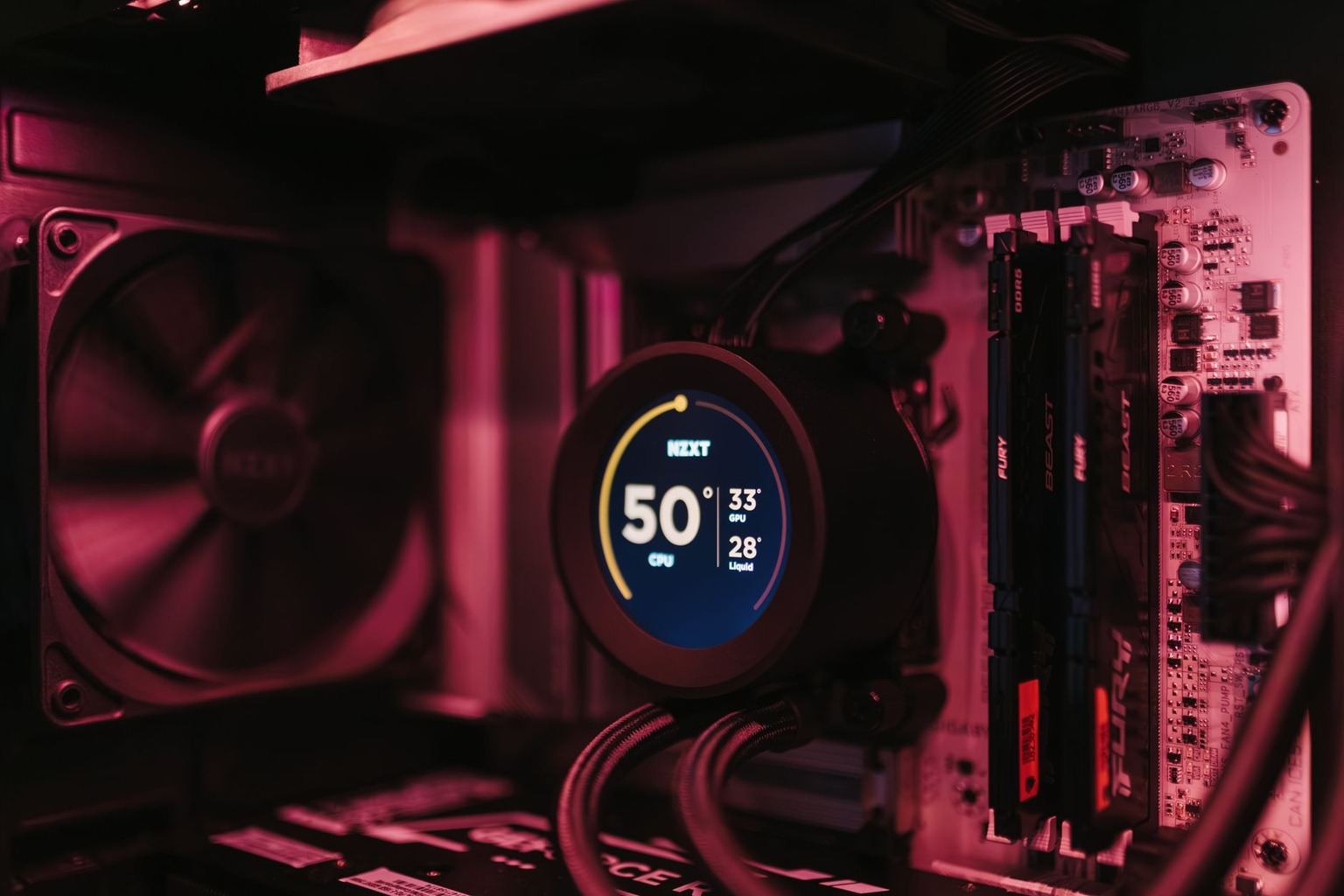
Overheating isn’t just an annoyance, it’s a silent killer of performance and longevity. A well-cooled PC maintains stable frame rates, especially in CPU-heavy games like The Witcher 3 or Assassin’s Creed Valhalla, where sustained high loads can push temperatures into dangerous territory. Air cooling is the most cost-effective solution, with high-end options like the Noctua NH-D15 or be quiet! Dark Rock Pro 4 offering superior heat dissipation compared to budget coolers. Liquid cooling, while flashy, isn’t always necessary unless you’re overclocking or running extreme workloads, as the added complexity can sometimes introduce more heat than it removes.
Case airflow is just as important as the cooler itself. A closed-case build will trap heat, while an open-air or mesh-front case allows for better ventilation. If you’re using a liquid cooler, ensure your case has mounting points and isn’t too compact, some smaller cases can’t accommodate even mid-tower liquid coolers without sacrificing airflow. Temperature monitoring tools like HWMonitor or MSI Afterburner can help you keep an eye on things, but proactive cooling is key. A PC that runs hotter than 85°C under load isn’t just inefficient, it’s a ticking time bomb for premature hardware failure.
Power Supply: The Unsung Hero of Stability
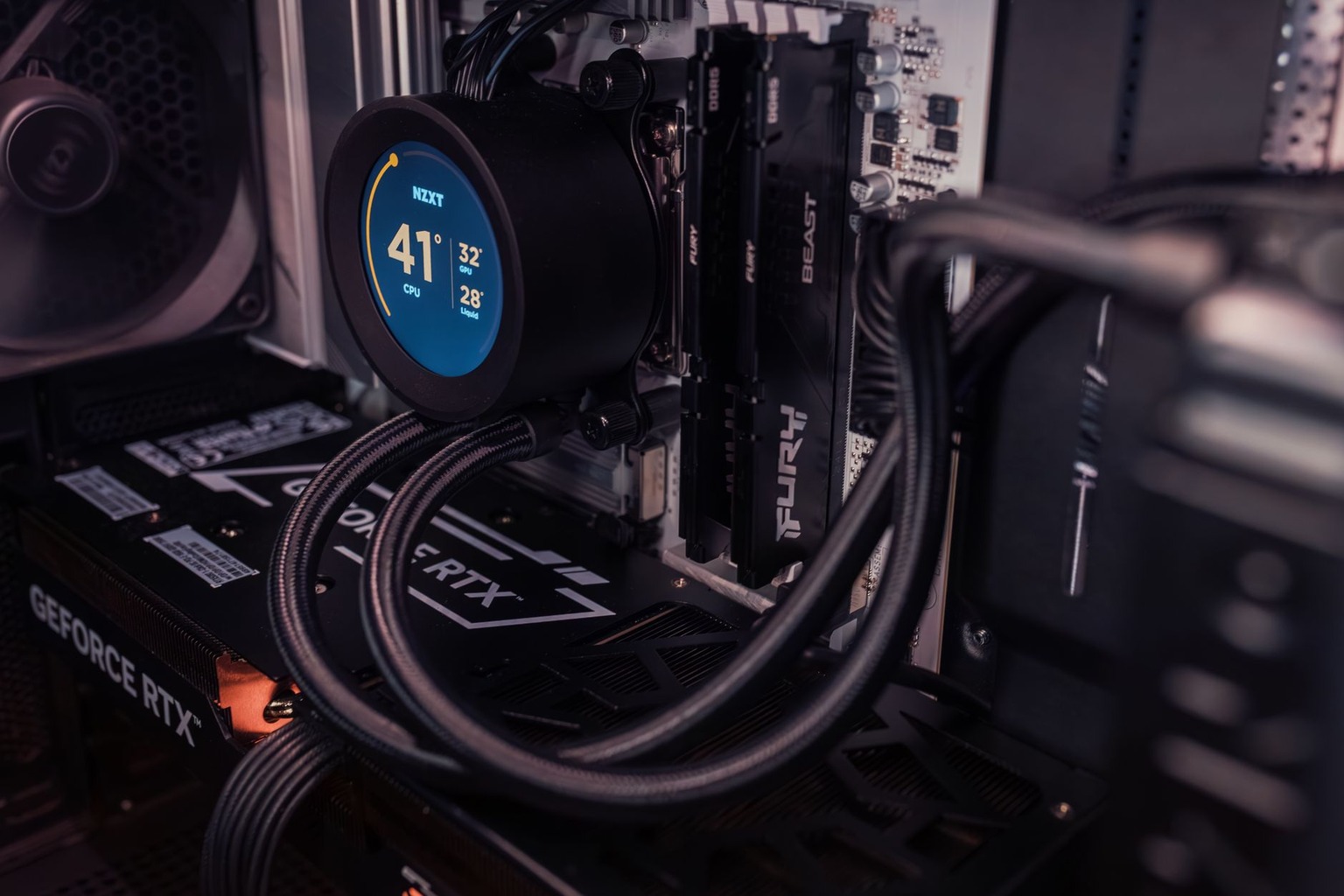
Your power supply (PSU) is the unsung hero of your gaming PC, providing the steady voltage your components need to function without brownouts or surges. A 750W PSU might seem overkill for a mid-range build, but modern GPUs like the RTX 4080 or RX 7900 XTX can draw massive amounts of power during sustained loads, especially when ray tracing is enabled. Cheap PSUs with poor regulation can cause voltage spikes, leading to crashes or even fried hardware. Brands like Corsair, EVGA, and Seasonic offer reliable units with full modular cables, reducing cable clutter and improving airflow.
Certifications matter too, a 80 PLUS Gold or Platinum rating ensures your PSU is efficient and stable under load. Avoid no-name PSUs from unknown brands, as they often lack proper testing and can fail catastrophically. If you’re building a high-end PC, consider a fully modular PSU to maximize airflow and cable management, messy builds not only look unprofessional but can restrict airflow, leading to overheating. A well-chosen PSU isn’t just about raw wattage; it’s about reliability and efficiency, ensuring your PC stays stable even during the most demanding gaming sessions.
Storage: The Speed Difference Between Lag and Smoothness
Storage isn’t just about capacity, it’s about speed, and in gaming, that speed can make or break your experience. A mechanical hard drive (HDD) might hold terabytes of data, but it’ll turn even a mid-tier game into a sluggish mess compared to a solid-state drive (SSD). NVMe SSDs, like the Samsung 980 Pro or WD Black SN850X, offer lightning-fast load times, reducing the time it takes to boot into Cyberpunk 2077 or launch a new map in Warzone from minutes to seconds. The difference between a 1TB HDD and a 1TB NVMe SSD isn’t just about convenience, it’s about responsiveness, which is critical in competitive gaming.
If you’re running out of space, consider a hybrid setup with an NVMe SSD for your OS and games and a larger HDD for media or backups. Even a 1TB SSD can fill up quickly with game installs and updates, so plan accordingly. Fast storage isn’t just for new games, it’s also about reducing load times in older titles, which can still benefit from modern storage speeds. And if you’re playing games with large open worlds, like The Elder Scrolls Online or Star Wars Jedi: Survivor, fast storage ensures you’re not waiting around for maps to load while your opponents move ahead.

I’ve been playing video games since I got my first console at age five, and I love sharing insights about the industry. Writing about game design, indie gems, and the latest releases keeps me excited about the future of gaming.