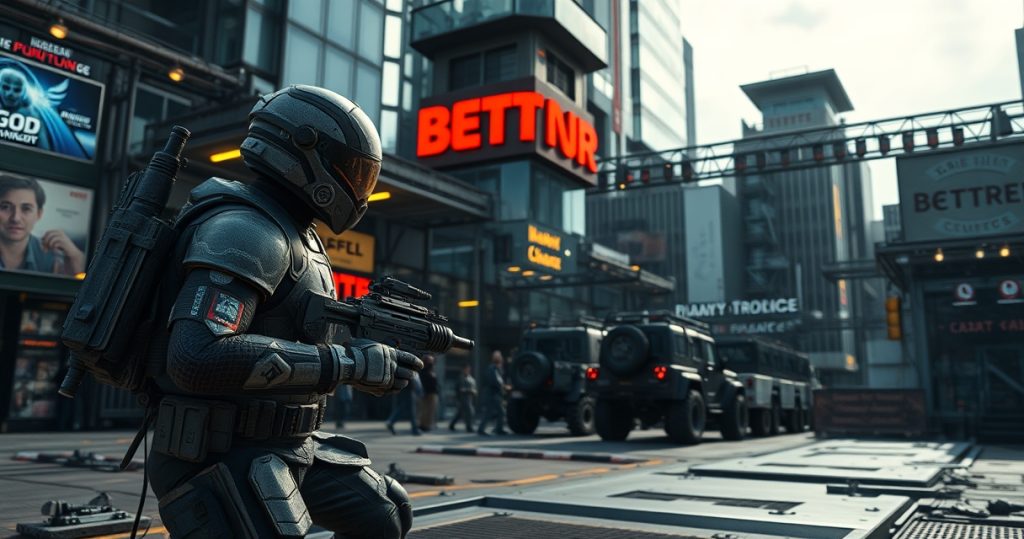
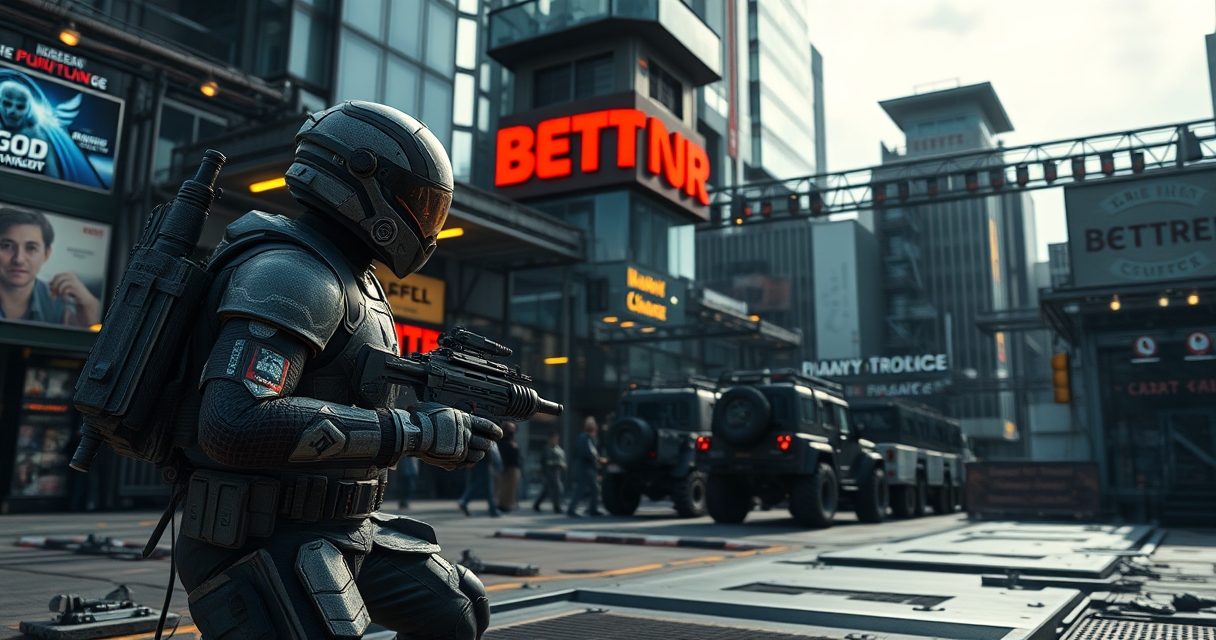
Mods, short for modifications, are pieces of code or assets that players add to a PC game to change its look, feel, or functionality. In the PC gaming world a mod can be as simple as a new texture pack that refreshes the visual style, or as complex as a total conversion that replaces the original game mechanics entirely. Because PC platforms give users direct access to game files, developers and hobbyists can create and share these alterations with relative ease. This article walks through the different kinds of mods, how they are built, where they can be obtained, and what legal and community factors surround their use.
What qualifies as a mod in PC games
A mod is any user created addition that alters the original game data without requiring the base game to be rewritten from scratch. Common examples include new weapons, character skins, altered enemy behavior, and expanded storylines. In some cases a mod replaces the entire engine, turning the original title into a new experience that shares only the core assets. The key element is that the modification builds on the existing game rather than standing alone as a separate product.
Most modern PC games support mods through built‑in tools or community APIs that expose parts of the game’s code. Titles such as Skyrim, Minecraft, and Cities Skyline provide official mod loaders that simplify the process of adding and removing content. Even games without official support can be modded by editing configuration files or using third party programs that patch the executable. The flexibility of the PC platform makes it the primary venue for this type of user generated content.
Categories of mods you’ll encounter
Cosmetic mods focus on visual elements like textures, lighting, and user interface tweaks. A popular example is the “Realistic Water” texture pack for Skyrim, which replaces the default water shaders with higher resolution assets. These mods usually have a low impact on performance and are safe to test on most hardware configurations.
Gameplay mods change the underlying mechanics, such as adding new skill trees, adjusting enemy AI, or introducing new crafting systems. The “Hardcore Survival” overhaul for Minecraft adds hunger, thirst, and temperature effects, turning the sandbox adventure into a survival challenge. Because these mods alter core logic, they often require more careful installation and may conflict with other gameplay changes.
Content expansion mods deliver new quests, characters, or entire regions. In Fallout 4 the “Far Harbor” expansion was originally a paid DLC, but community creators have produced free equivalents that add comparable storylines. Total conversion mods go further, reshaping the game into a different genre; for instance, the “Black Mesa” project transforms the original Half‑Life engine into a modern remake with updated graphics and voice acting.
How mods are created, the development pipeline
Creating a mod typically starts with a concept, followed by gathering or producing the required assets. Artists may use software like Photoshop or Blender to design textures and 3D models, while programmers rely on scripting languages such as Lua or Python to implement new behaviors. The game’s official SDK (software development kit) often includes sample code and documentation that guide creators through the process.

After assets are prepared, the modder packages them into a format the game can read, such as a .zip archive for Skyrim’s “.esp” files or a .jar for Minecraft’s Forge mods. Testing is a crucial stage; developers run the game with the new files enabled, checking for crashes, performance drops, or unintended interactions with existing content. Once stability is confirmed, the mod is uploaded to a distribution platform where users can download and install it.
Where to find reliable mods and community hubs
Dedicated portals host thousands of mods, offering rating systems, user comments, and automatic update notifications. The Steam Workshop integrates directly with the client, allowing players to subscribe to a mod with a single click; the game then downloads and activates the content on launch. Nexus Mods is another major repository, supporting a wide range of titles and providing tools for version control and dependency management.
Smaller forums and Discord servers also serve as hubs for niche or experimental mods. These communities often share early builds, source code, and troubleshooting advice. When browsing any site, it’s wise to verify the creator’s reputation, read recent feedback, and ensure the mod matches the exact version of the base game you own, as mismatched versions can cause instability.
Installing mods safely and managing conflicts
The simplest installation method uses the game’s built‑in mod manager, which tracks enabled files and resolves basic conflicts automatically. For games without such tools, third party managers like Mod Organizer or Vortex provide a layer of abstraction that keeps original files untouched and allows users to toggle mods on and off. These managers also create backup copies, making it possible to revert to a clean state if something goes wrong.
Conflicts arise when two mods modify the same game asset or script. In such cases the load order determines which changes take precedence; adjusting this order can often resolve issues without editing files directly. Advanced users may employ patching utilities that merge the conflicting files into a single, harmonious version. Regularly updating both the base game and installed mods reduces the likelihood of incompatibilities caused by version mismatches.
Legal and ethical considerations surrounding mods
Most game developers permit modding as long as the modifications do not infringe on copyrighted material or monetize the content without permission. Companies like Bethesda and Mojang have explicit policies that encourage community creativity while retaining ownership of the original intellectual property. However, distributing copyrighted assets, such as movie clips or commercial music, within a mod can lead to takedown notices or legal action.
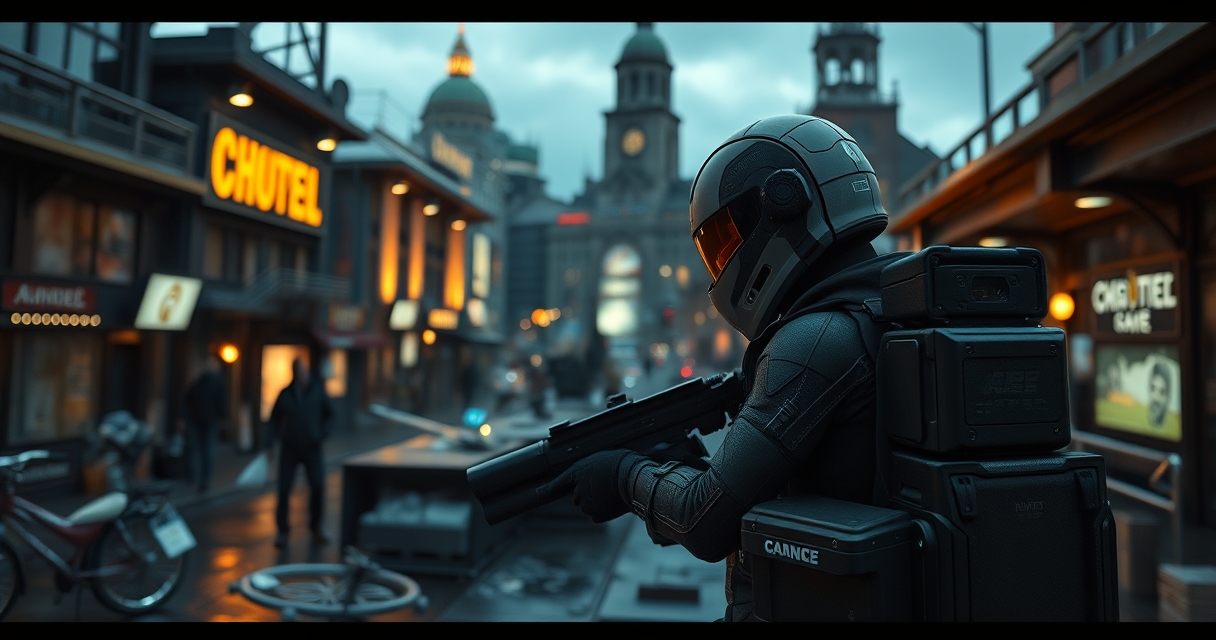
Ethical concerns also appear when a mod provides an unfair advantage in multiplayer environments. Cheat‑style mods that grant infinite resources or aim‑assist are typically banned by server administrators and can result in account suspensions. Modders who respect the spirit of fair play and adhere to the developer’s guidelines help maintain a healthy ecosystem that benefits both creators and players.
Impact of mods on game longevity and sales
User generated content has proven to extend the lifespan of many titles, keeping communities active years after official support ends. A 2022 study highlighted that games with robust modding tools saw an average increase of 30 percent in active player counts compared to similar titles lacking such support. This sustained engagement often translates into higher sales of the base game and related DLCs, as new players are drawn in by the vibrant mod ecosystem.
From a business perspective, allowing mods can reduce the need for developers to produce optional content themselves. Instead of releasing a paid expansion, a studio may provide the tools for the community to create comparable experiences for free, fostering goodwill and brand loyalty. The symbiotic relationship between developers and modders therefore becomes a strategic asset in a competitive market.

I’ve been playing video games since I got my first console at age five, and I love sharing insights about the industry. Writing about game design, indie gems, and the latest releases keeps me excited about the future of gaming.