What Are Co-op PC Games?
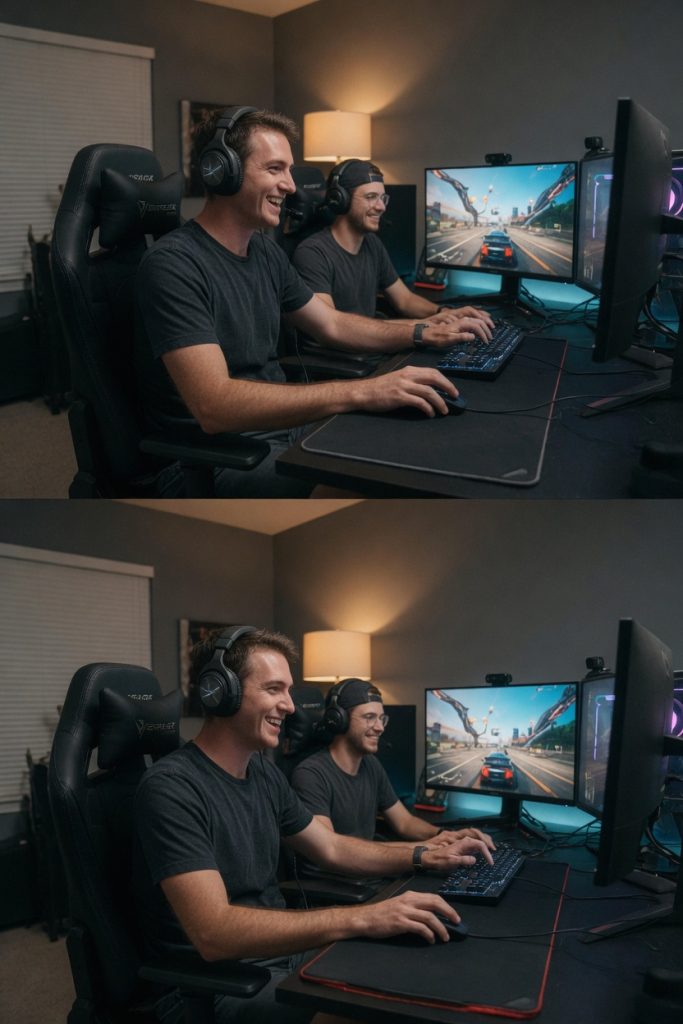
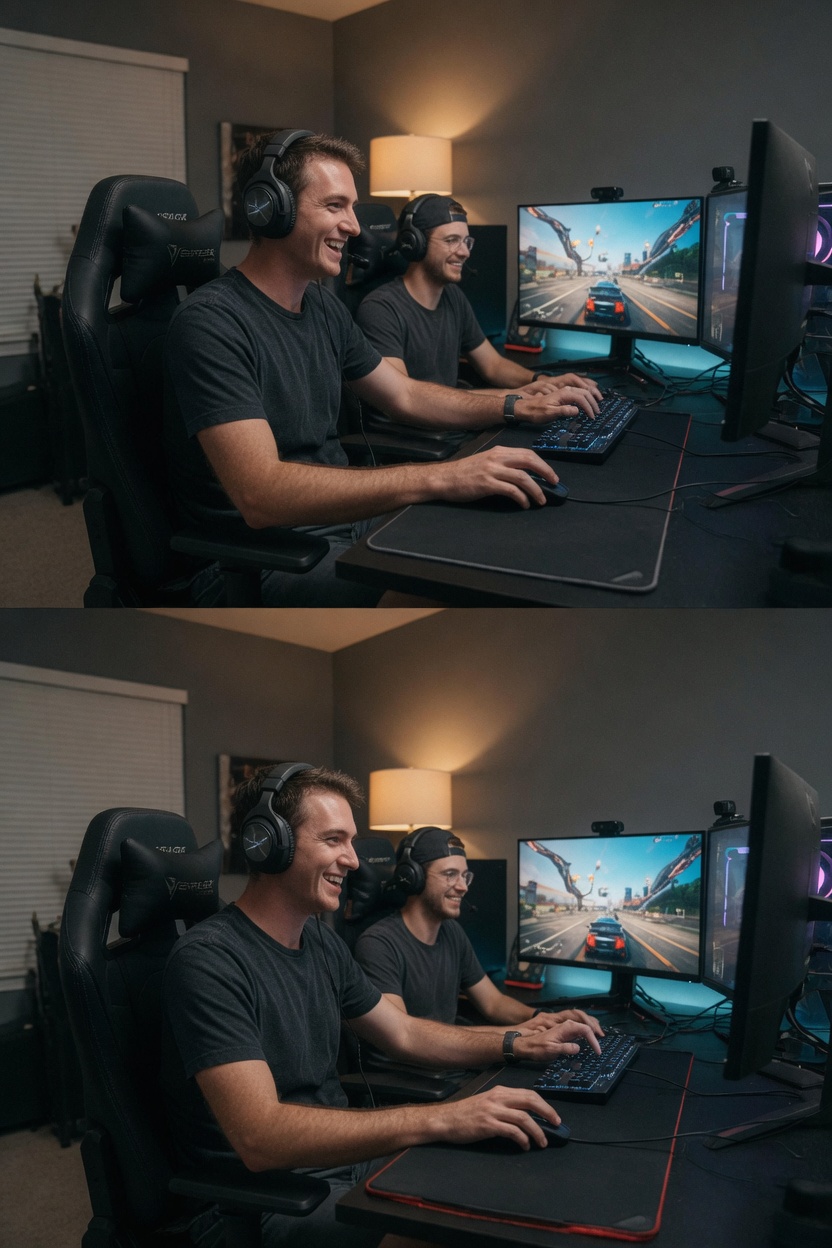
Co-op PC games, often referred to as cooperative gaming titles, are a staple in the gaming industry for players who enjoy working together. These games allow multiple users to team up on personal computers to complete levels, defeat bosses, or build creations collaboratively. The essence of co-op PC games lies in their promotion of teamwork, where success depends on coordinated efforts among all participants. Through pc multiplayer systems, gamers can engage in both local and online co-op experiences that break down geographical barriers.
Players are drawn to cooperative gaming because it offers a unique blend of fun and social interaction. Seeking collaborative experiences on PCs, many turn to these titles to spend quality time with friends without the pressure of competing against them. Online co-op modes have particularly boosted this appeal by enabling real-time play with people across the globe, creating lasting memories and friendships. In contrast to traditional competitive pc multiplayer, co-op focuses on helping each other succeed, which can be incredibly satisfying.
The variety in co-op PC games is vast, ranging from story-driven adventures to fast-paced action games. This diversity ensures that there’s something for everyone interested in cooperative gaming. PCs provide the hardware needed for smooth performance during intense group sessions, with features like split-screen or dedicated servers supporting online co-op. Ultimately, the appeal stems from the sense of community and achievement that comes from conquering challenges together.
Co-op PC games also encourage players to develop important life skills such as leadership, patience, and effective communication. As online co-op becomes more sophisticated, the experiences feel more realistic and engaging. Whether you’re a beginner or a veteran, these games offer endless opportunities for enjoyment through partnership. The growing community around co-op PC games highlights their enduring popularity in the realm of pc multiplayer entertainment.
Moreover, the evolution of technology has made co-op PC games more inclusive, with options for different numbers of players and varying difficulty settings. This flexibility allows groups to tailor their experience, ensuring everyone has a good time. Cooperative gaming on PC not only entertains but also strengthens relationships through shared triumphs and strategies.
Different Types of Co-op Games
Co-op PC games come in various forms, each offering distinct experiences for players seeking collaborative fun. Among the primary types of co-op are local co-op and online co-op, both of which have their own appeal depending on the situation and group dynamics. Local co-op involves multiple players using the same computer, often requiring only one copy of the game and additional controllers or input devices. This setup promotes face-to-face interaction, making it great for parties or family gaming sessions where everyone is physically present.
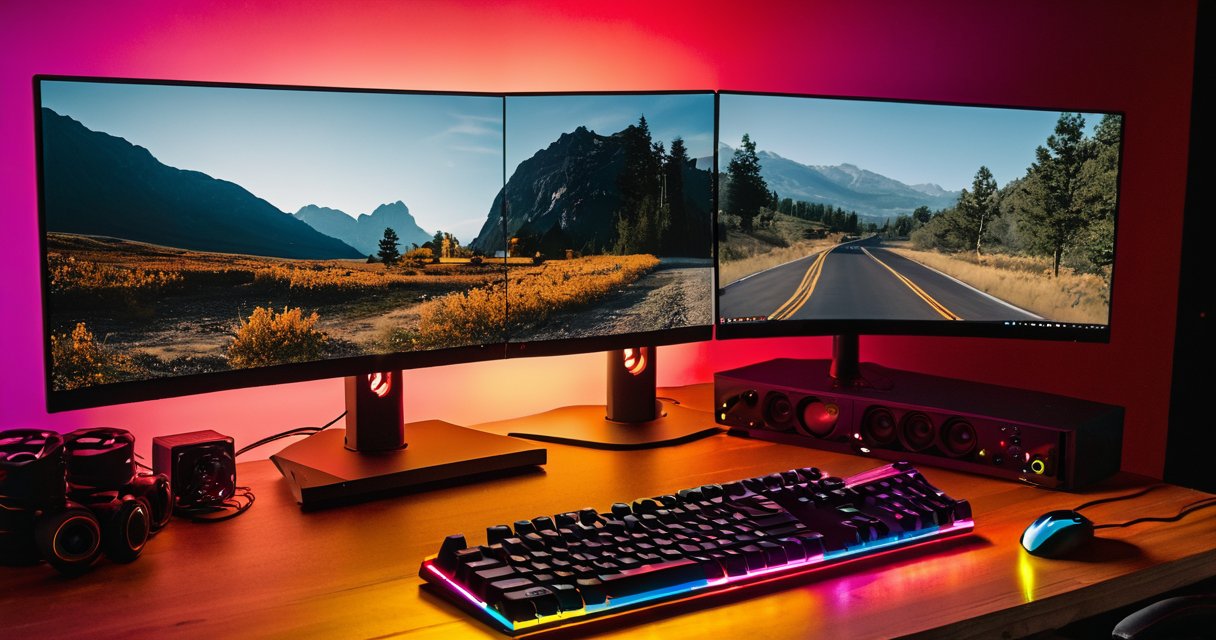
Split-screen gaming is a key feature in many local co-op titles, dividing the screen so that each participant views their own section of the game world. This allows for simultaneous play without interfering with others’ views, though it can sometimes lead to smaller images on standard monitors. Gamers who prefer this method appreciate the immediacy and shared excitement it brings to the table, especially during intense cooperative moments that benefit from real-time reactions and verbal cues exchanged in the same room.
In comparison, online co-op connects players across the globe through internet servers or peer-to-peer connections. It eliminates the need for everyone to be in the same location, enabling long-distance friendships to flourish through joint gameplay. Features like matchmaking and voice communication enhance the experience, making online co-op a staple for modern PC gaming communities that value flexibility and the ability to team up at any hour.
Players often choose between these options based on convenience and preference. Those with limited space or time might opt for online co-op, while enthusiasts of traditional gaming value local co-op and its split-screen gaming capabilities. The variety ensures that co-op remains accessible and enjoyable for diverse audiences seeking either intimate gatherings or expansive virtual adventures.
Furthermore, hybrid games that support multiple types of co-op provide the best of both worlds. Whether engaging in local sessions or venturing into online co-op, the core thrill of teamwork remains consistent across platforms, allowing seamless transitions that suit changing schedules and player needs without sacrificing quality or immersion.
Local Co-op Experiences
Local co-op PC games offer a unique opportunity for players to dive into offline multiplayer experiences together. By focusing on couch co-op, these titles enable multiple users to play on one computer without internet access. Split screen PC games are particularly popular, as they divide the display to give each participant their own viewpoint during intense sessions.
To implement a successful local co-op setup, start by pairing several game controllers with your PC. Bluetooth connections work well for wireless options, while USB provides reliable wired alternatives. Connect your system to a high-resolution TV to accommodate split screen views comfortably. Arrange seating in a cozy living room configuration that promotes easy interaction among players. A powerful graphics card helps maintain smooth performance even when multiple views render simultaneously on the same machine.
Couch co-op thrives in environments where everyone can see and hear the action clearly. Test various split screen PC games to find those with balanced difficulty and engaging mechanics for group play. This form of offline multiplayer strengthens bonds through collaborative problem-solving and friendly competition. Families often prefer relaxed adventure titles, while groups of friends enjoy fast-paced action or party games that reward quick reflexes and teamwork.
Ultimately, investing time in configuring your hardware ensures smooth local co-op PC sessions that everyone will enjoy. From action shooters to puzzle adventures, the possibilities for in-room entertainment are vast and rewarding. Always verify controller support and display settings before inviting guests over for an evening of shared gaming fun.
Best Co-op PC Games to Play
Exploring the best co-op games reveals a vibrant world of top pc co-op experiences that bring friends together. These multiplayer pc games emphasize teamwork, strategy, and shared victories in cooperative adventures across various genres.
One standout title is It Takes Two, a narrative-driven adventure where players control a couple navigating whimsical challenges. Its inventive puzzles and heartfelt story make it essential among the best co-op games for PC.
Overcooked! 2 delivers chaotic kitchen management that tests communication under pressure. As a top pc co-op pick, it turns simple cooking tasks into hilarious, high-stakes missions perfect for groups seeking cooperative adventures.
Left 4 Dead 2 remains a classic in multiplayer pc games, offering intense zombie survival with four-player campaigns. Players must coordinate weapons and tactics, solidifying its place in the best co-op games lineup.
Portal 2 combines puzzle-solving with witty dialogue in cooperative adventures that require precise timing and creative thinking. Its co-op mode shines as a top pc co-op experience for those who enjoy brain-teasing gameplay.
Stardew Valley lets players build farms and relationships in a relaxing yet engaging world. This multiplayer pc games option supports up to four friends, blending farming, mining, and exploration into memorable cooperative adventures.
Deep Rock Galactic stands out among the best co-op games with its dwarven mining expeditions filled with alien threats. Procedural caves and upgrade systems keep top pc co-op sessions fresh and replayable.
Valheim offers survival crafting in a Norse-inspired realm where players construct bases and battle bosses. Its seamless integration into multiplayer pc games makes it ideal for extended cooperative adventures with friends.
Sea of Thieves provides open-sea piracy with treasure hunts and ship battles. As one of the premier best co-op games, it encourages emergent storytelling through its dynamic multiplayer pc games framework.
Together these titles showcase why top pc co-op remains popular, delivering endless cooperative adventures that strengthen bonds and create lasting memories in multiplayer pc games.
How to Get Started with Co-op PC Gaming
Getting started with co-op PC gaming requires a clear plan for your pc gaming setup to ensure smooth sessions with friends. Begin by selecting the right platform such as Steam, Epic Games Store, or Xbox app for PC, as these services simplify multiplayer configuration and support a wide range of co-op titles.
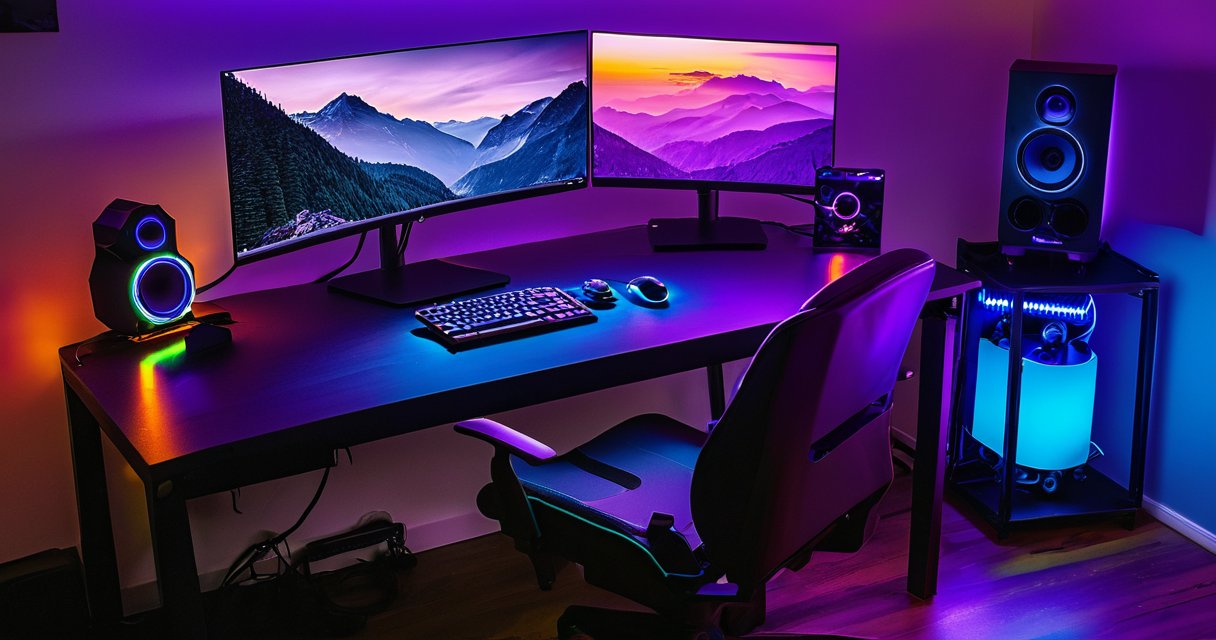
Next, focus on setting up co-op by verifying your hardware meets game requirements, including a stable internet connection, compatible graphics card, and sufficient RAM. Update your graphics drivers and enable necessary ports in your router for optimal performance during multiplayer configuration.
Creating accounts on chosen platforms is essential before launching games together. Link your Steam or Epic profile with friends, adjust privacy settings, and test voice chat tools like Discord to coordinate strategies. This step ensures everyone can join sessions without technical hiccups.
Configure your system settings by enabling game mode in Windows, disabling unnecessary background apps, and setting up a wired connection for lower latency. Proper multiplayer configuration also involves installing the latest game updates and verifying firewall exceptions to avoid connection drops.
Once preparations are complete, initiate the co-op game launch by inviting players through the platform’s built-in tools or direct IP connections. Start with simple modes to test synchronization, then adjust in-game options like difficulty and region for the best experience. Regular maintenance of your pc gaming setup keeps future sessions reliable and enjoyable.
Following these steps creates a seamless foundation for ongoing co-op adventures, letting you focus on gameplay rather than troubleshooting.

I’ve been playing video games since I got my first console at age five, and I love sharing insights about the industry. Writing about game design, indie gems, and the latest releases keeps me excited about the future of gaming.